Using GTM’s Custom JavaScript Variables lets you capture, clean, and format data for precise tracking of user actions and dynamic content, ensuring accurate, actionable analytics.

What is a Custom JavaScript Variable in GTM?
A Custom JavaScript Variable is a user-defined variable in GTM that runs a JavaScript function and returns a value each time GTM loads the container.
Example structure:
javascriptCopyEditfunction() {
  return document.title;
}
This variable would return the current page’s title.
Why Custom JavaScript Variables in GTM Matter?
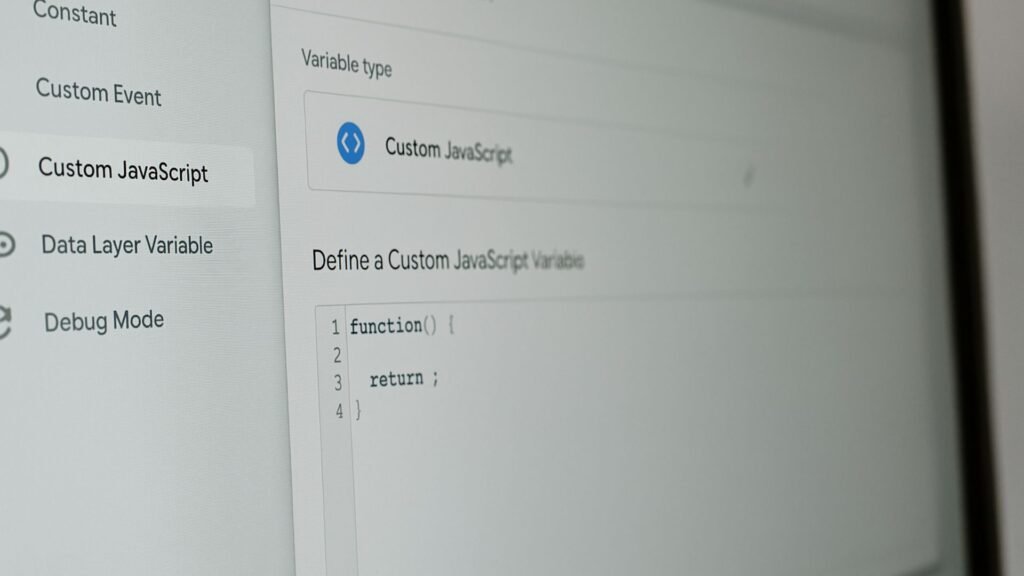
Google Tag Manager’s (GTM) Custom JavaScript Variables allow you to run JavaScript functions within GTM to dynamically generate, modify, or evaluate data before sending it to GA4, Meta Pixel, or other platforms.
They help you:
- Extract data from your page when standard variables fall short.
- Format and clean data before sending it to analytics.
- Build advanced conditions for triggering tags accurately.
- Track complex user interactions or dynamic content.
Using these variables enables precise, flexible, and efficient tracking—critical for clean reporting and better decision-making.
Practical Use Cases for Custom JavaScript Variables in GTM
1. Extracting Dynamic Content for Tracking
On dynamic sites (React, Angular, Shopify), critical data (price, SKU, category) may not exist in a clean HTML structure.
Use a Custom JavaScript Variable to:
- Access
dataLayervalues dynamically. - Read DOM elements using
document.querySelector. - Track SPA route changes for accurate pageview tracking.
Example:
javascriptCopyEditfunction() {
var price = document.querySelector('.product-price');
if (price) {
return price.textContent.trim();
} else {
return 'Price Not Found';
}
}
2. Cleaning or Formatting Data
Data may need to be cleaned before sending to GA4 (e.g., trimming whitespace, lowercasing, replacing characters).
Example:
javascriptCopyEditfunction() {
  var pageCategory = {{Page Category}};
  return pageCategory.toLowerCase().trim();
}
3. Tracking Complex User Interactions
Standard GTM triggers may not capture interactions like:
- Clicking on dynamically generated buttons.
- Users scrolling to a specific section only if certain conditions are met.
- Complex video engagement metrics.
Write a Custom JavaScript Variable to:
- Evaluate specific conditions before firing an event.
- Return
trueorfalsefor use with trigger conditions.
Example:
Track if a user clicked a button only when logged in:
javascriptCopyEditfunction() { return !!document.querySelector('.logout-button'); }(returnstrueif user is logged in, allowing precise trigger logic)
4. Cross-Domain Tracking and Referrer Cleanup
When using cross-domain tracking, you may want to clean the referrer by excluding your own domain.
Example:
javascriptCopyEditfunction() {
  var referrer = document.referrer;
  if (referrer.indexOf(location.hostname) === -1) {
    return referrer;
  } else {
    return 'internal';
  }
}
When using cross-domain tracking, you may want to clean the referrer by excluding your own domain.
Example:
javascriptCopyEditfunction() {
  var referrer = document.referrer;
  if (referrer.indexOf(location.hostname) === -1) {
    return referrer;
  } else {
    return 'internal';
  }
}
Send this cleaned referrer to GA4 for clearer attribution.
5. Enhancing Event Parameters
Combine multiple data points dynamically before sending them as parameters to GA4 events.
Example:
javascriptCopyEditfunction() {
  var category = {{DL - Category}};
  var action = {{Click Text}};
  return category + ' - ' + action;
}
Send as event_label for a clear, combined view in reports.
How to Create a Custom JavaScript Variable in GTM?
Step-by-Step:
Step 1: Go to your GTM container → Variables → New.
Step 2: Select Variable Type: Custom JavaScript.
Step 3:Write your function:
javascriptCopyEditfunction() {
  // your logic
  return value;
}
Step 4: Save and name descriptively (e.g., JS - Extract Product Price).
Step 5: Use the variable in tags, triggers, or other variables as needed.
Step 6: Test using GTM Preview Mode and GA4 DebugView before publishing.
Best Practices for Using Custom JavaScript Variables
- Always include a
returnstatement; otherwise, the variable will returnundefined. - Avoid heavy DOM queries that may slow page performance.
- Test thoroughly to avoid runtime errors breaking your container.
- Use clear, consistent naming (
JS - Purpose) for easy maintenance. - Document your custom logic for your team or future reference.
Limitations to Consider
Custom JavaScript Variables run in the user’s browser, so:
- Blockers or JS errors elsewhere may impact execution.
- They cannot fetch server-side or external API data directly.
- Excessive or inefficient code can slow down the container.
How Socinova Helps
At Socinova, we specialize in advanced GA4 and GTM configurations for businesses seeking clean, actionable data.
We design and implement Custom JavaScript Variables to capture complex user interactions, dynamic data, and advanced triggers that align with your business goals.
Whether you need eCommerce tracking, lead funnel attribution, or advanced event segmentation, we ensure your tracking is precise and reliable, giving you the confidence to scale your campaigns and make data-driven decisions effectively.
Book a free consultation with Socinova to set up precise tracking using GTM’s custom JavaScript variables, ensuring cleaner analytics data and more accurate event measurement.
Final Thoughts
Custom JavaScript Variables are essential for advanced GTM setups, allowing you to handle unique tracking needs that default settings cannot.
They enable:
- Cleaner, more meaningful data in analytics.
- Advanced condition checks before firing tags.
- The ability to track dynamic content and SPAs effectively.
They empower your GTM to deliver accurate, actionable, and granular data—helping you optimize your marketing with confidence.