

To track lead form abandonment on landing pages, use Google Tag Manager to trigger events when users start filling a form but leave without submitting. Monitoring these partial completions helps identify drop-off points, optimize form fields, and recover potential leads to improve your conversion rates effectively.

Tracking lead form abandonment allows you to see how many users start filling out your form but leave without submitting, providing actionable data for improving conversion rates.
Here’s how to set up effective form abandonment tracking:
1. Why Track Form Abandonment?
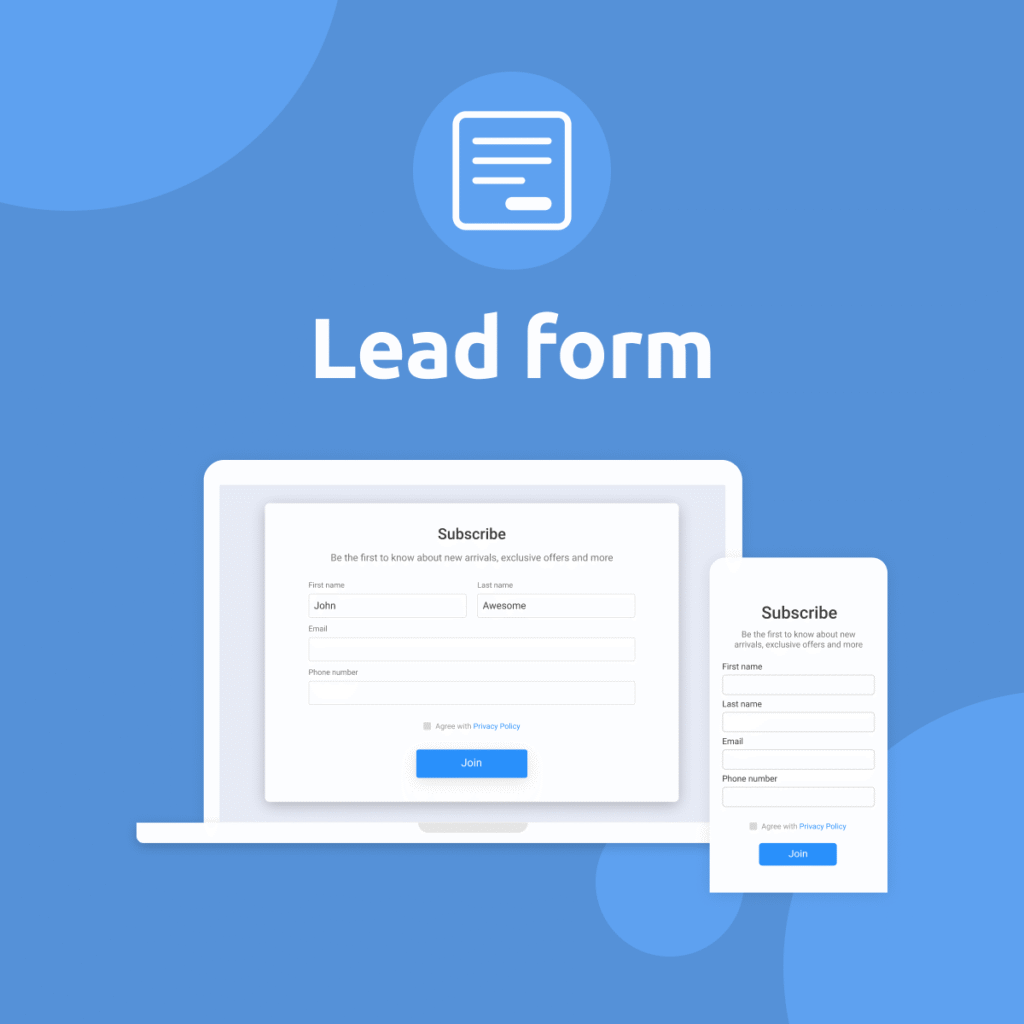
- Identify which forms or pages lose users.
- Optimize form fields causing friction (length, complexity).
- Enable retargeting workflows for partial leads.
- Increase overall lead conversion rates.
2. Tools You Need
- Google Tag Manager (GTM) for event tracking
- Google Analytics 4 (GA4) or another analytics platform to record events
3. Title and Meta Description Suggestions
A common approach:
- User focuses on or types in at least one form field.
- User leaves the page or does not submit the form within a specified time (e.g., 30 seconds of inactivity or page exit).
4. Implementation Steps Using GTM
Step 1: Set Up Triggers for Form Interaction
- In GTM, enable built-in variables:
Form ID,Form Classes,Click Element, andClick Classes. - Create a Trigger of type:
- Element Visibility Trigger (for when a form is in view).
- Click Trigger on form fields to detect when a user interacts.
Step 2: Set Up Triggers for Form Submission
- Create a Form Submission Trigger to capture completed forms.
Step 3: Create an Abandonment Logic
Since GTM alone doesn’t know when a user leaves, combine:
- Trigger A (Form Started): Fires when the user focuses on a form field.
- Trigger B (Form Submitted): Fires upon form submission.
If Trigger A fires but Trigger B does not, you can infer abandonment.
Using GA4:
- Send an
eventsuch asform_startedon field interaction. - Send another
eventlikeform_submiton submission.
In GA4 Analysis Hub, create a funnel:
form_startedform_submit
Users who complete form_started but not form_submit are abandonments.
Step 4: Optional Advanced Setup
- Use the BeforeUnload event to capture page exits and send a
form_abandonmentevent ifform_startedwas triggered butform_submitwas not. - Consider using localStorage or cookies to track if the user has interacted with the form during their session.
5. Review and Optimize
- Use GA4 to analyze which pages and forms have the highest abandonment rates.
- Identify specific form fields causing drop-offs (e.g., phone number, address).
- Shorten or simplify your form based on findings.
- Use retargeting ads for users who abandoned the form or implement exit-intent popups to recover them.
Final Thoughts
Tracking lead form abandonment helps you recover lost leads, refine your landing page strategy, and directly improve ROI on your ad spend and traffic efforts.
How Socinova Can Help
At Socinova, we help businesses implement advanced tracking like form abandonment using GTM and GA4 to identify friction points and recover potential leads effectively. If you need a precise, error-free setup for your landing pages, our team can handle the configuration so you can focus on converting more visitors into customers.
Need help with the setup?




