
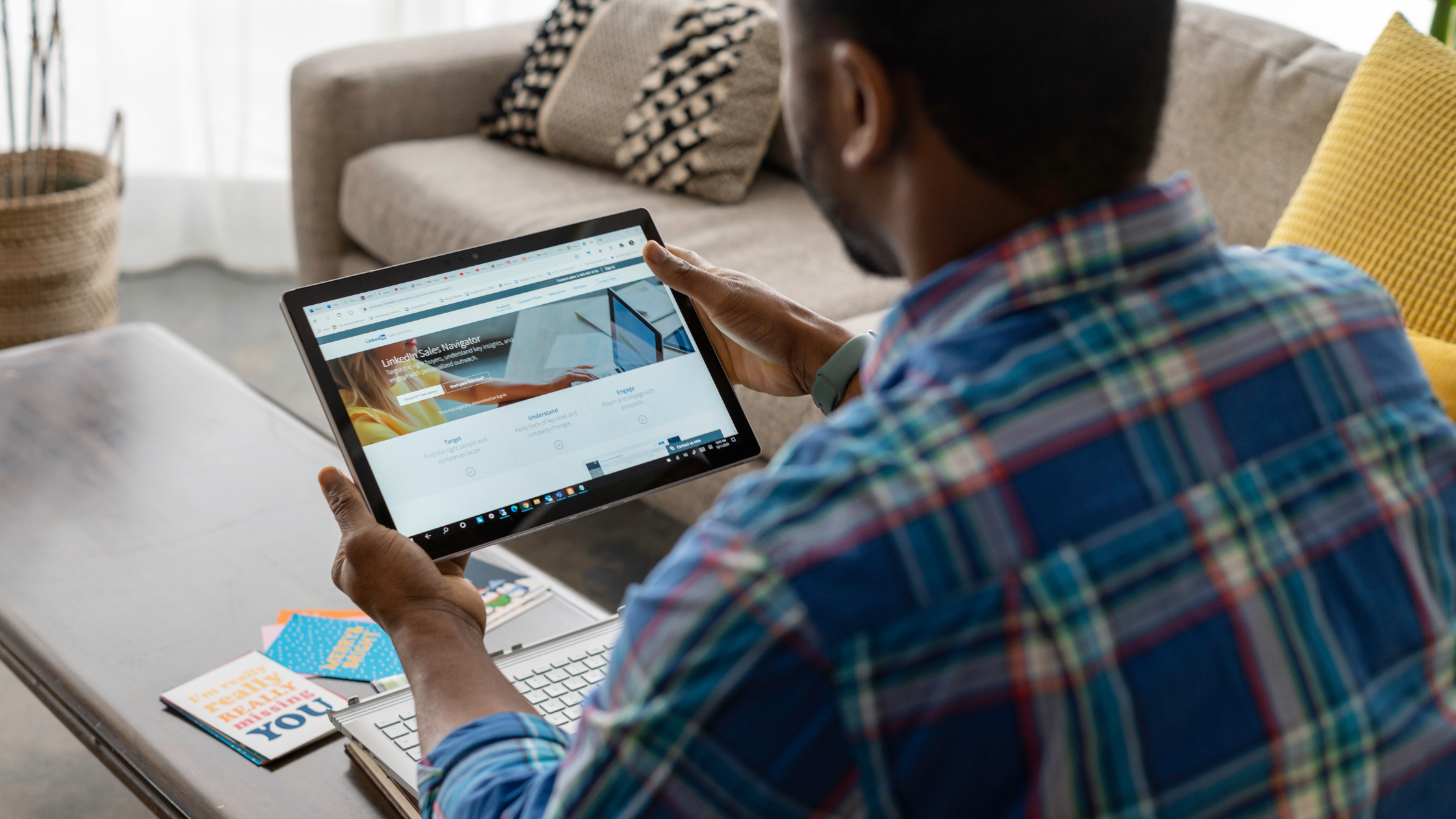
LinkedIn campaign images get rejected mainly due to size, format, content policy violations, or technical upload issues. Here's why LinkedIn rejects images and how to fix it.
Introduction
When running LinkedIn ads, one frustrating roadblock is your campaign image getting rejected repeatedly. LinkedIn has strict ad image requirements and policies that can cause rejection, even if your image looks fine.
Understanding why your image is rejected helps you fix it quickly and get your campaign live.
Common Reasons LinkedIn Rejects Campaign Images
1. Incorrect Image Dimensions or File Size
LinkedIn has specific size and dimension rules for ads depending on the format:
- Sponsored Content:
- Recommended size: 1200 x 627 pixels
- Max file size: 5 MB
- Text Ads:
- Smaller images with specific aspect ratios
- Video Ads:
- Different format and size requirements
Fix:
- Resize your image to meet LinkedIn’s specs
- Compress images without losing quality using tools like TinyPNG or ImageOptim
Unsupported File Format
LinkedIn supports JPEG, PNG, and GIF for images. Other formats like BMP or TIFF will be rejected.
Fix:
- Save images as JPEG or PNG before upload
- Avoid animated GIFs unless your campaign allows it
Violations of LinkedIn Ad Policies
LinkedIn reviews ads for policy compliance. Images with:
- Excessive text or logos (LinkedIn prefers minimal text)
- Misleading or offensive content
- Promotional claims without proof
- Adult or inappropriate imagery
will be rejected.
Fix:
- Review LinkedIn Ads Policy
- Use minimal text overlays (<20% text recommended)
- Avoid controversial or unverified claims
Technical Upload or Browser Issues
Sometimes the problem isn’t the image itself, but technical glitches in your browser or network.
Fix:
- Clear your browser cache and cookies
- Use a supported browser (Chrome or Edge)
- Try uploading from a different device or network
5. Using Stock Photos Without Proper Licenses
LinkedIn may reject images if they suspect licensing issues or inappropriate use of stock photos.
Fix:
- Use licensed or original images only
- Avoid images flagged for copyright concerns
6. Image Aspect Ratio or Cropping Issues
If your image is getting cropped weirdly or the aspect ratio doesn’t match LinkedIn’s preview, the system may reject or warn about the image.
Fix:
- Use recommended aspect ratios for your ad type
- Preview your ad to check for cropping before submitting
Quick Checklist to Avoid Image Rejections
- Resize images to LinkedIn’s recommended dimensions
- Use JPEG or PNG format only
- Keep text overlays minimal (<20%)
- Avoid content violating LinkedIn’s ad policies
- Clear browser cache and try different browsers if needed
- Use properly licensed images
How Socinova Can Help
At Socinova, we ensure your LinkedIn ads meet platform requirements and pass review the first time. From image design to copywriting and compliance, we help you avoid rejections and maximize ad performance.
Want to avoid ad rejections and boost LinkedIn success? Contact us here and let’s get your ads approved quickly.




