
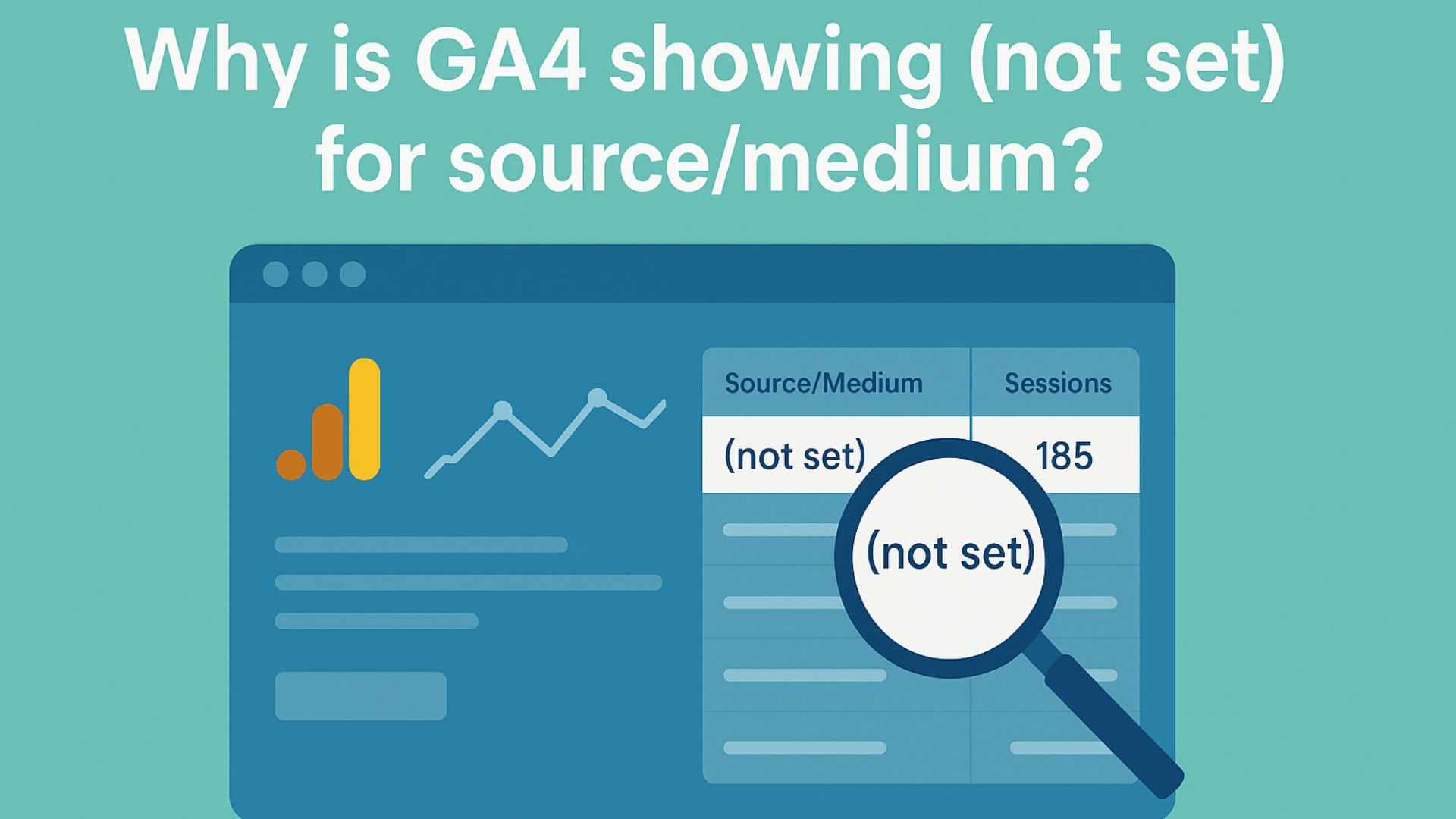
If GA4 shows "(not set)" for source/medium, it means Google Analytics can’t determine where the traffic came from. Causes include missing UTM tags, broken redirects, or tracking issues. Here’s how to fix it.
Why Is GA4 Showing (not Set) for Source/Medium?
If you’ve logged into Google Analytics 4 (GA4) and see “(not set)” under source/medium, it means GA4 was unable to identify where the user came from before visiting your site.
It’s a frustrating gap, especially when you’re trying to track marketing performance accurately.
But don’t worry. This is common, and in most cases, you can fix it by adjusting how you tag and structure your traffic sources.
What “(not set)” in Source/Medium Means in GA4?
In GA4, “(not set)” typically means:
- The traffic source wasn’t passed correctly.
- Or GA4 couldn’t attribute the session to any known source or medium.
It’s not necessarily a bug. It’s just GA4’s way of saying, “I don’t know where this visit came from.”
Common Reasons GA4 Shows “(not set)” for Source/Medium
1. Missing or Incorrect UTM Parameters
When traffic comes from emails, social media, or ads without UTM parameters, GA4 may not be able to attribute it properly.
What to do:
- Always use UTM tags for email, social, or SMS traffic.
- Include at least:
utm_sourceutm_mediumutm_campaign.
Use Google’s free Campaign URL Builder to create tagged links.
2. Broken or Stripped URLs (Redirects, Shorteners)
If your links pass through redirect tools (like Bitly, social schedulers, or tracking platforms), sometimes the UTM parameters are stripped before the visitor reaches your site.
What to do:
- Test your URLs and confirm UTMs stay intact after redirects.
- Avoid tools that don’t preserve query parameters.
- Try clicking your links and checking the final URL.
3. Referral Traffic with Missing Referrer Data
If a user clicks to your site from:
- An HTTP to HTTPS link.
- An in-app browser (like Instagram or Facebook).
- A secure environment (email clients, private browsers).
What to do:
- Add UTM tags to all links, especially in email and social posts.
- Don’t rely on referrer data alone for attribution.
4. GA4 Tracking Code Errors or Missing Tags
If the GA4 tag isn’t firing correctly, the session might be partially tracked—and source/medium may show as “(not set)”.
What to do:
- Use Google Tag Assistant or GA4 DebugView to test your tags.
- Check that the correct GA4 property ID is firing on all pages.
- Ensure GA4 is initialized before any redirection occurs.
5. Cross-Domain Tracking Not Set Up Properly
If your site spans multiple domains (e.g., landing page → main site) and GA4 isn’t tracking across domains correctly, source/medium can be lost.
What to do:
- Set up cross-domain tracking in Google Tag Manager or GA4 admin.
- Add all domains under
Admin > Data Streams > Configure Tag Settings > Configure your domains.
6. Manual Imports or Offline Events
If you’re importing data into GA4 (e.g., CRM uploads or offline events) without source/medium fields, they’ll show as “(not set).”
What to do:
- Always include full source/medium/campaign data when importing offline events.
- Follow GA4 measurement protocol correctly.
Quick Troubleshooting Checklist
- Add proper UTM parameters to all non-organic campaigns.
- Test links to ensure UTMs survive redirects or tracking tools.
- Use DebugView to validate GA4 firing.
- Review cross-domain tracking configuration.
- Audit referral traffic sources (especially from mobile apps).
- Check if the visit started in a restricted browser or secure environment.
Real Example
We audited a client’s newsletter campaign and found 80% of traffic was marked as “(not set)” in GA4. The issue?
The email links were missing UTM tags, and the emails opened in secure mobile app browsers that stripped referrer data. After adding proper UTMs, the next campaign had 95% clear attribution.
How Socinova Can Help?
At Socinova, we help businesses track their marketing accurately using GA4, UTM tagging, and smart analytics setups.
If your source/medium data is messy or unclear, we’ll fix your tracking and give you accurate performance reports—so you can make decisions based on data you trust.
Need help making GA4 useful? Contact us here and let’s clean up your analytics.
Conclusion
When GA4 shows “(not set)” for source/medium, it’s a sign that something in your tracking or link structure is incomplete or broken.
Whether it’s missing UTM parameters, referrer data being blocked, or issues with redirects, each instance means missed insights and unclear attribution.
Thankfully, with proper UTM tagging, consistent link management, and a bit of testing, these issues can be avoided. If you rely on data-driven decisions, fixing these gaps is essential.
At Socinova, we specialize in setting up clean, reliable analytics systems—so your data tells the whole story.
Let us help you make sense of your GA4 reports. Contact us here and get clear, actionable insights you can trust.




