
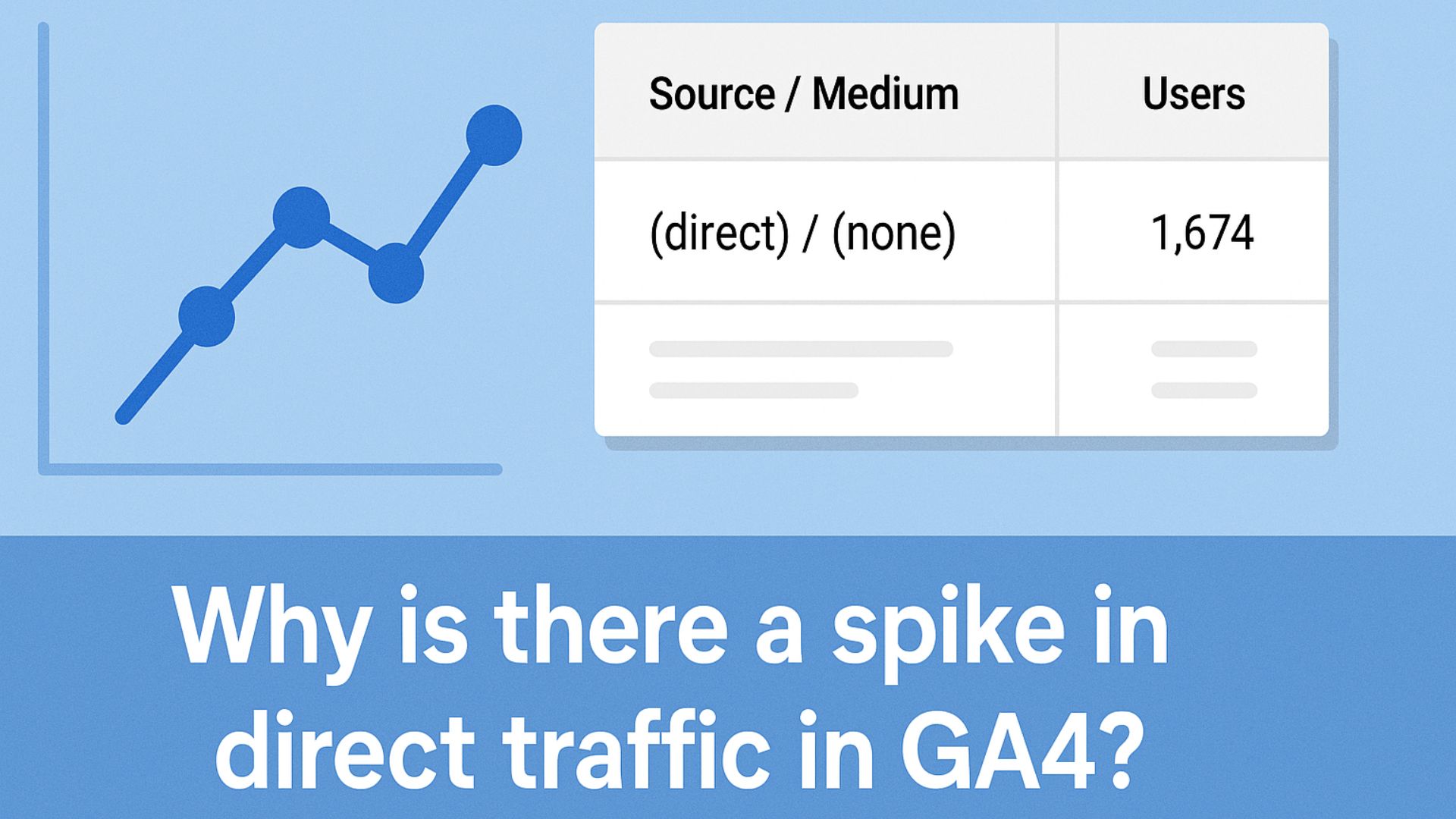
A sudden spike in direct traffic in GA4 usually indicates tracking issues. It means GA4 couldn't determine the traffic source, often due to missing UTM tags, broken redirects, or browser limitations. Here's a complete breakdown of why it happens and how to fix it.
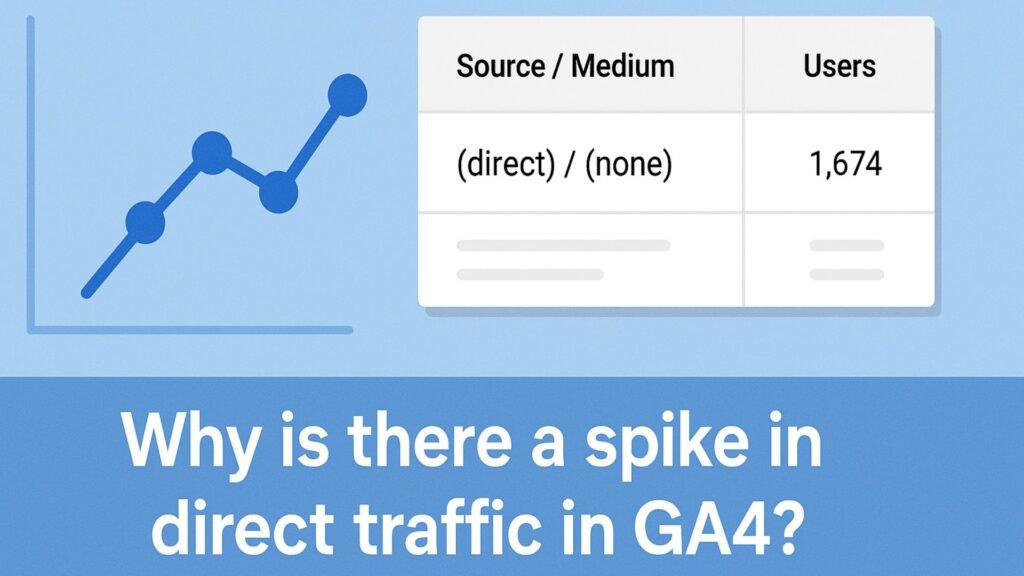
Why Is There a Spike in Direct Traffic in GA4?
Seeing a sudden spike in direct traffic in your GA4 reports?
It might look like more people are typing your website URL directly, but that’s rarely the case.
In Google Analytics 4, “direct” traffic is a fallback label used when GA4 can’t determine where a visit came from.
So if direct traffic jumps unexpectedly, it usually means something broke in your tracking setup—not that your brand suddenly got more famous overnight.
What Direct Traffic Means in GA4?
In GA4, “direct” means:
“I don’t know where this visitor came from.”
This happens when the referral, campaign, or source data is missing or stripped, and GA4 defaults to calling it “direct.”
Common Reasons for a Direct Traffic Spike
1. Missing or Improper UTM Parameters
If you forgot to add UTM tags to links in:
- Email campaigns.
- Social media posts.
- Paid ads outside Google.
GA4 won’t know where the visitor came from.
What to do:
- Always tag URLs with
utm_source,utm_medium, andutm_campaign - Use Google’s Campaign URL Builder.
- Double-check scheduled content and automations.
2. Redirects Stripping URL Parameters
URL shorteners, website redirects, or third-party tools (like CRMs or schedulers) can strip UTM parameters from your links—leading to tracking loss.
What to do:
- Test your campaign links from click to destination.
- Make sure UTM tags remain intact after redirection.
- Avoid tools that rewrite URLs without preserving query strings.
3. Traffic from HTTPS to HTTP Pages
Browsers block referrer data when a user navigates from a secure (HTTPS) site to a non-secure (HTTP) site.
What to do:
- Ensure your entire site uses HTTPS.
- Update all old HTTP internal links.
- Install an SSL certificate if not already done.
4. In-App or Email Traffic Without UTM Tags
Traffic from:
- Email newsletters.
- Mobile app browsers (Instagram, Facebook, LinkedIn).
- SMS or messaging apps.
What to do:
- Always use UTM-tagged links in these channels.
- Don’t rely on natural referrer detection.
5. PDFs or Offline Sources
Links clicked from:
- Downloaded PDFs.
- Docs or spreadsheets.
- QR codes.
- Print materials.
What to do:
- UTM tag all links in offline/print/downloadable content.
- Create short links (e.g., via Bitly) with UTM parameters built in.
6. Improper Cross-Domain Tracking
If your user journey spans multiple domains (e.g., checkout pages, subdomains), and cross-domain tracking isn’t set up, GA4 may lose the original source.
What to do:
Enable cross-domain tracking in GA4:
Admin > Data Streams > Web > Configure Tag Settings > Configure Your Domains
7. Broken or Incomplete GA4 Setup
If your tracking code:
- It isn’t firing on every page.
- Fires late (due to tag sequencing or page builders).
- Has JavaScript errors.
What to do:
- Test your site with GA4 DebugView.
- Use Google Tag Assistant to verify installation.
- Ensure your GA4 tag is in the
<head>section or loads immediately.
How to Identify the Source of the Spike?
- Use GA4 Explorations to segment by device, landing page, and session medium
- Compare timeframes: Did the spike align with an email, event, or redirect?
- Check the landing page paths: Are they from campaign landing pages?
- Review campaign links to ensure all are UTM-tagged
- Inspect your redirects using browser dev tools or redirect checkers
Quick Troubleshooting Checklist
- Add proper UTM tags to all external links.
- Test links for redirects that strip parameters.
- Move your site fully to HTTPS.
- Set up cross-domain tracking if needed.
- Use GA4 DebugView to test tracking paths.
- Audit sources like emails, PDFs, and SMS for missing UTMs.
Real Example
We worked with a brand that saw a 300% spike in direct traffic. Their new email campaign had clickable banners, but no UTM tags.
All traffic from the campaign got lumped into “direct.” Adding proper UTMs fixed the attribution, and the next campaign had 92% accurately tracked sessions.
How Socinova Can Help?
At Socinova, we help businesses set up and optimize GA4 to avoid messy, misleading data. If your direct traffic suddenly spikes, we’ll trace the source, fix broken tracking, and ensure every click is properly attributed.
Need help cleaning up your analytics? Reach out here and let’s fix your GA4 setup for good.
Conclusion
A spike in direct traffic in GA4 is almost always a sign of broken attribution.
While a small portion of direct traffic is natural, a sudden jump means you’re losing visibility into what’s working. The good news? You can fix it.
With the right tagging practices, redirect hygiene, and GA4 setup, you can take back control of your analytics and make smarter marketing decisions.




