
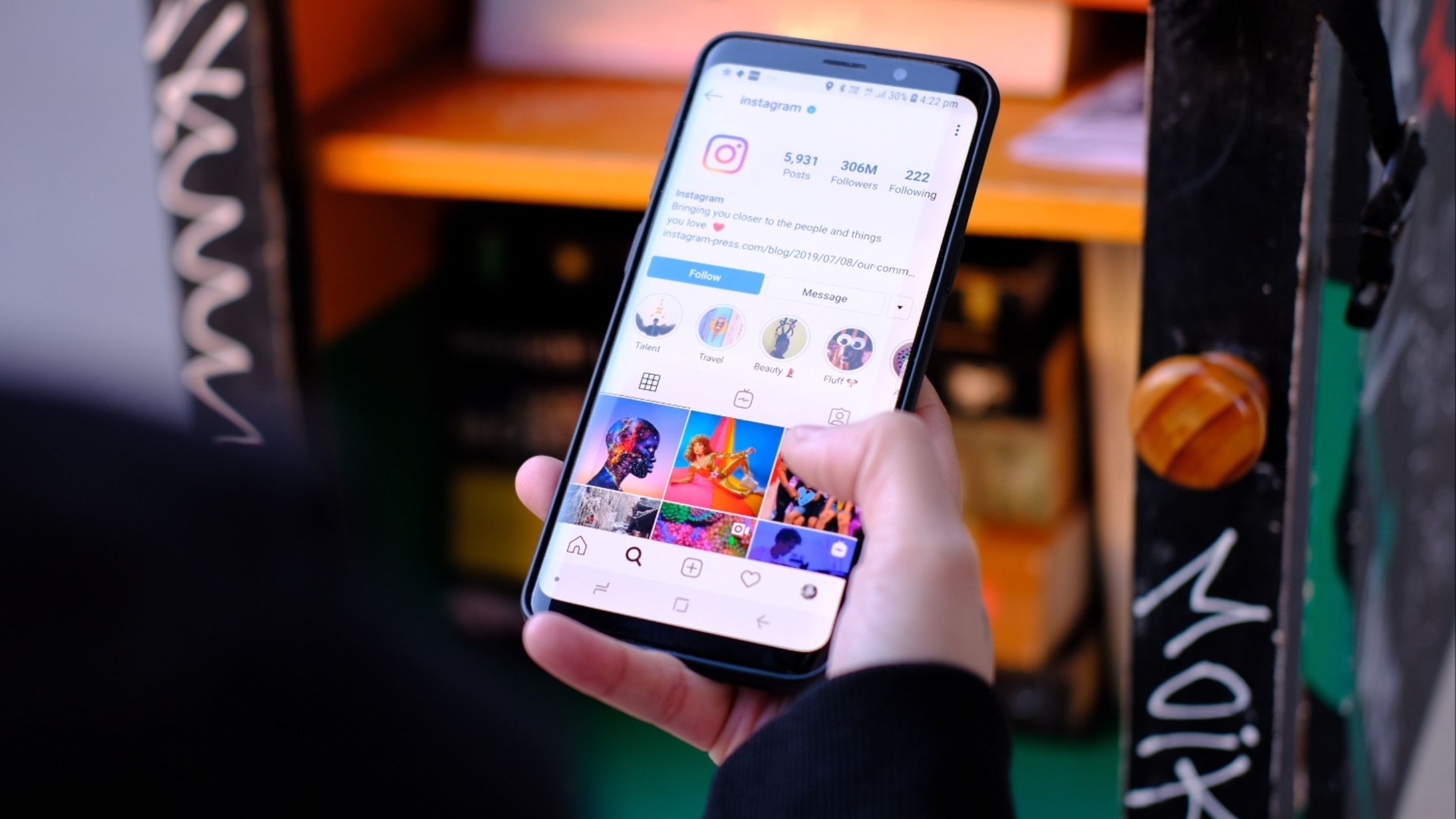
If your Instagram feed isn’t updating with new posts, it could be due to issues like internet connectivity, app glitches, cache problems, or algorithm settings. Here’s how to troubleshoot and fix the issue.

Why is my Instagram feed not updating with new posts?
Instagram is a highly dynamic platform, where fresh content appears constantly on your feed. But sometimes, you may notice that your Instagram feed isn’t updating with new posts, leaving you wondering if there’s a technical issue, an app bug, or even something wrong with your account.
While this can be frustrating, rest assured that there are multiple reasons for this issue, most of which can be resolved easily. In this in-depth guide, we’ll explore the potential causes behind a feed that isn’t updating and how to troubleshoot and fix the issue effectively.
🔍 Common Reasons Your Instagram Feed Isn’t Updating
1. Internet Connectivity Issues
Instagram requires a stable internet connection to load new posts. If your connection is weak or intermittent, Instagram may fail to update the feed with new content.
Fix:
- Check your Wi-Fi or mobile data connection.
- Try switching between Wi-Fi and cellular data to see if the issue resolves.
- Restart your router or check if other devices on the same network are facing similar issues.
2. Instagram App Glitch
Sometimes, the Instagram app experiences bugs or glitches that can prevent your feed from refreshing. These temporary issues can block new posts from appearing.
Fix:
- Close the Instagram app and restart it.
- Force quit the app on iOS (swipe up on the app screen) or Android (open settings > Apps > Instagram > Force Stop).
- Reinstall the app: Uninstall and reinstall Instagram to get rid of any corrupted files or settings.
3. Outdated Instagram Version
Running an outdated version of Instagram can lead to various problems, including issues with loading new content. Instagram regularly releases updates to fix bugs and improve app performance.
Fix:
- Go to the App Store (iOS) or Google Play Store (Android) and check if there’s an update available for Instagram.
- Update the app to the latest version for better performance and bug fixes.
4. Cache or Data Storage Issues
Instagram stores cache data to speed up loading times. However, sometimes cached data can become outdated or corrupted, preventing the feed from updating with fresh posts.
Fix:
- Clear cache (Android only): Go to Settings > Apps > Instagram > Storage > Clear Cache.
- Clear Instagram’s data (Android): Go to Settings > Apps > Instagram > Storage > Clear Data. Note: This will log you out, so you’ll need to log in again.
- On iOS, clearing cache data isn’t directly possible, but reinstalling the app can achieve the same result.
5. Instagram Algorithm and Content Ranking
Instagram’s algorithm determines what content appears on your feed. It prioritizes posts from accounts you engage with the most. If you haven’t interacted with someone’s posts recently, their new content may not appear immediately on your feed.
Fix:
- Increase engagement with accounts you want to see content from by liking, commenting, or sharing their posts.
- Interact with your close friends’ stories and posts to encourage Instagram to prioritize their content.
- Use the “See First” feature to make sure posts from specific accounts appear at the top of your feed.
6. Instagram Server Issues or Outages
Instagram occasionally experiences downtime or server issues, which can cause feeds to stop updating. This is usually a temporary issue, and Instagram typically resolves these outages quickly.
Fix:
- Check if Instagram is down by visiting websites like DownDetector or checking Twitter for reports about Instagram server issues.
- If Instagram is down, wait until the service is restored.
7. Too Much Content or Account Restriction
If your account is following too many people or engaging in activities like mass liking or commenting, Instagram may limit your ability to load new posts due to temporary restrictions or rate-limiting.
Fix:
- Reduce excessive liking or commenting in a short period.
- Unfollow inactive accounts that may be cluttering your feed.
- Wait for 24-48 hours to see if the restriction is lifted.
8. Account or App Settings
Sometimes, Instagram’s settings themselves might cause issues. For example, you may have accidentally switched to “Following” mode, which only shows posts from people you follow rather than the algorithmically selected posts.
Fix:
- Check the top of your feed: Make sure the option to view posts from both followers and suggested content (i.e., “Home” feed) is selected.
- Tap the “Following” or “For You” tab to see if you accidentally changed the feed view.
Troubleshooting Checklist for Instagram Feed Not Updating
- Check your internet connection for stability
- Restart or reinstall the app to fix glitches
- Update Instagram to the latest version
- Clear cache and data on Android devices
- Engage more with accounts you want to see posts from
- Ensure the app is not showing only Following posts
- Monitor Instagram’s server status for downtime
- Avoid excessive engagement to prevent rate-limiting
Real Example
One of our clients noticed their feed wasn’t updating, even though they had a strong Wi-Fi connection. After reinstalling the app and clearing the cache, the issue was resolved. They also started engaging more with specific accounts, which helped Instagram prioritize their content.
How Socinova Can Help
If you’re struggling with Instagram feed issues or looking to optimize your content strategy, Socinova can help. We offer expert social media management, ensuring your Instagram presence stays active, engaging, and algorithm-friendly.
Need help improving your Instagram engagement? Contact us here and let’s boost your feed performance today.




