
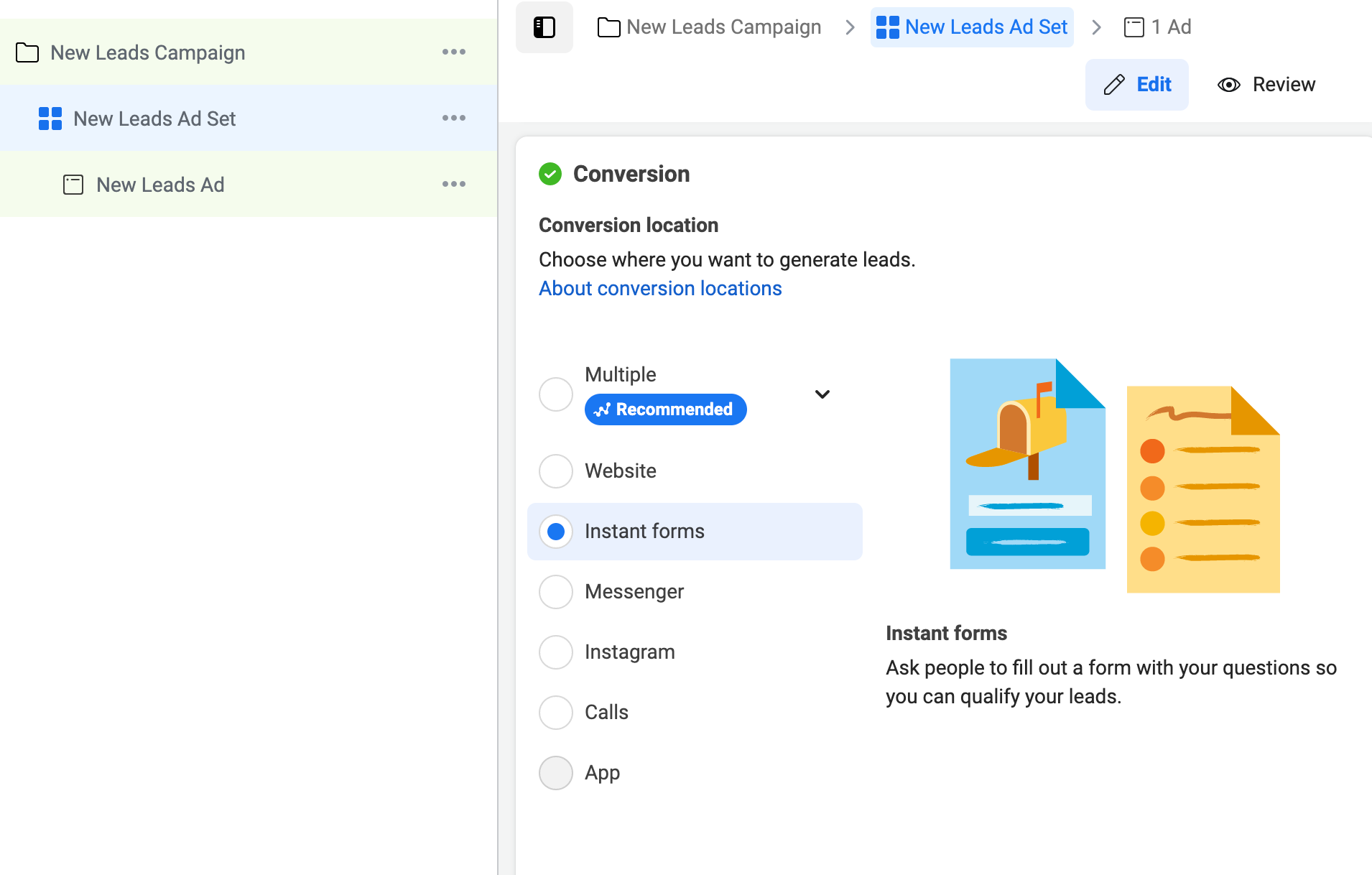
If your Meta Lead Form leads aren’t showing up, it’s often due to CRM integration issues, permissions, or syncing delays. Here’s how to troubleshoot and ensure your leads flow properly.
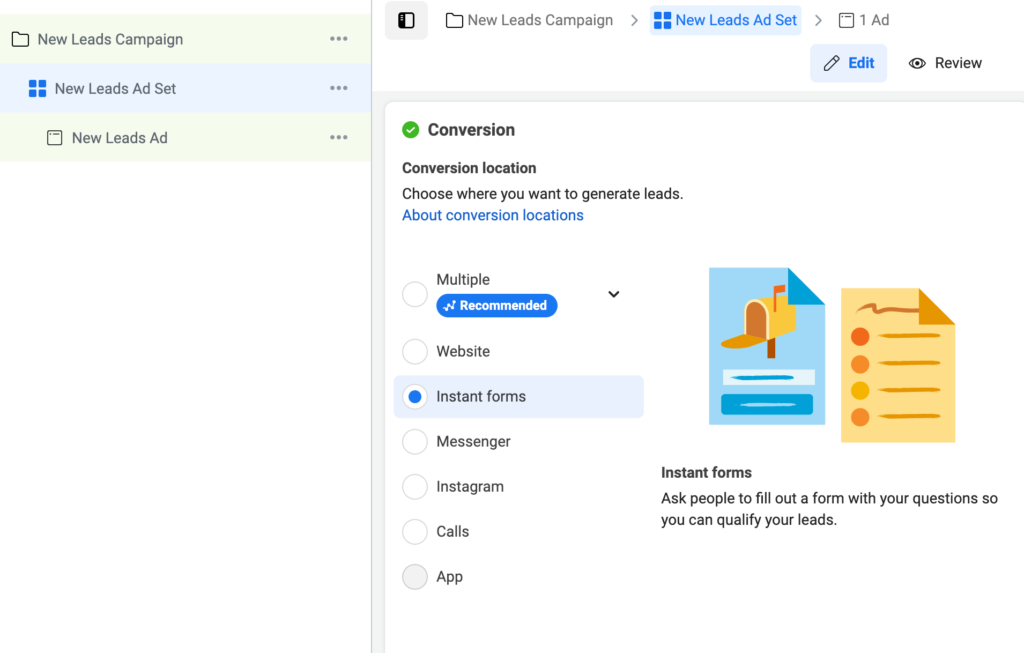
Why are my leads not showing up from Meta Lead Form?
Using Meta Lead Ads is a great way to capture leads directly on Facebook and Instagram. But if those leads aren’t appearing in your CRM or platform after submission, it can be frustrating and cause lost opportunities.
Here are the main reasons why leads from Meta Lead Forms might not be showing up, along with how to fix the problem.
Common Reasons Leads Don’t Show Up
1. CRM or Platform Integration Not Set Up Correctly
If your Meta account isn’t properly connected to your CRM (like GoHighLevel, HubSpot, or others), leads won’t sync.
Fix:
- Recheck your CRM integration settings
- Reauthorize the connection in Meta Business Suite
- Use tools like Zapier or native integrations correctly
2. Missing Permissions or Page Roles
If your Meta Business account user doesn’t have the right permissions, lead data won’t be accessible.
Fix:
- Ensure you have Admin or Lead Access roles on the Facebook Page
- Check Business Manager Settings > People and Assets
3. Delayed Lead Syncing
Sometimes there’s a delay of several minutes to hours between form submission and lead appearing in your CRM.
Fix:
- Wait a bit before checking leads
- Test with your own submissions and monitor timing
4. Lead Forms Not Published or Active
If the lead form is unpublished, expired, or inactive, leads won’t be captured.
Fix:
- Check your Meta Ads Manager and Lead Ads Library
- Ensure the form is live and attached to your ad set
5. Form Data Mapping Issues
If the fields in your lead form don’t map correctly to your CRM fields, leads may appear incomplete or not show up.
Fix:
Match all required fields between Meta form and CRM
Test by submitting sample leads
6. Using Multiple Meta Accounts or Pages
If you’re running ads across multiple pages/accounts, leads might go to a different inbox or CRM connection than expected.
Fix:
- Verify you’re checking the correct Page or account
- Consolidate lead management or use clear tagging
Quick Troubleshooting Checklist
- Confirm CRM integration is connected and authorized
- Verify user permissions and roles in Business Manager
- Wait for syncing delays (up to 24 hours in rare cases)
- Check if the lead form is active and live
- Map form fields properly to your CRM
- Double-check correct Meta Page and account being used
How Socinova Can Help
At Socinova, we specialize in integrating Meta Lead Forms with CRMs to ensure every lead is captured and nurtured. If your leads aren’t showing up, we’ll troubleshoot connections, permissions, and mappings to fix it fast.
Need help fixing your Meta Lead Form lead flow? Contact us and we’ll get you connected.




