
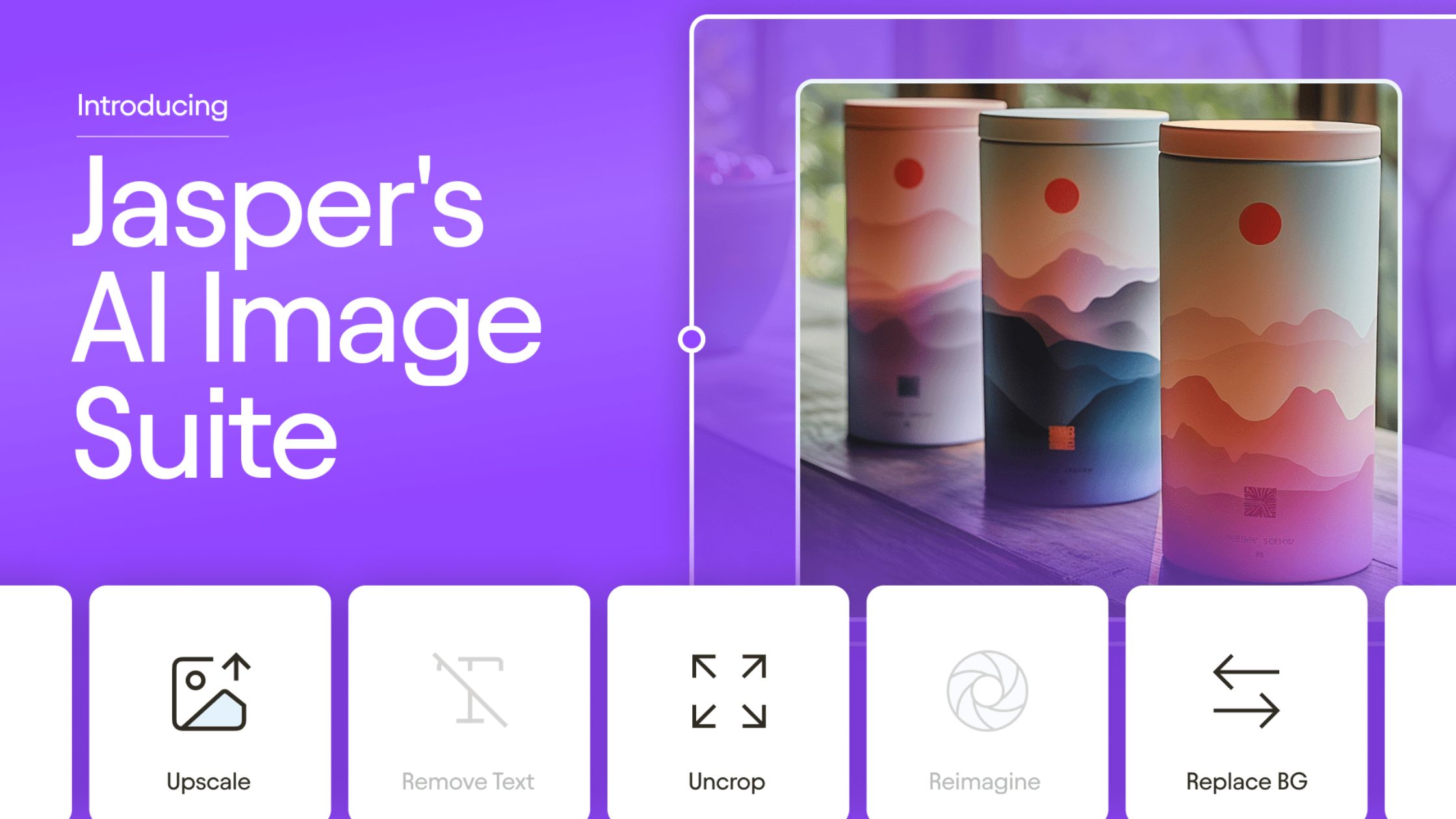
Jasper AI offers customizable UI features like Brand Voice profiles, content templates, project folders, output tone settings, and document workflows. These tools help marketers tailor the interface and content generation process to suit specific branding, tone, and team collaboration needs.
What are the customization options available in Jasper AI’s user interface?
Jasper AI has evolved significantly to support individual users, marketing teams, and agencies that require brand-consistent, fast, and structured content creation workflows. The platform’s user interface (UI) is designed to allow flexible customization without overwhelming new users.
Here’s a comprehensive breakdown of the customization options available within Jasper AI’s user interface:
1. Brand Voice & Knowledge Base
Brand Voice lets users set up:
- Tone of voice: Define whether the output should be professional, witty, inspirational, etc.
- Audience: Customize content based on B2B, B2C, or niche markets.
- Style guide rules: Add do’s and don’ts (e.g., “Never use contractions,” “Use Oxford commas”).
Knowledge Base lets you upload or enter:
- Company mission
- Product USPs
- Internal FAQs
- Taglines or boilerplate content
🟢 Use Case: Ensures Jasper writes consistently in your brand’s tone across all content formats.
2. Custom Templates & Workflows
You can create custom templates or use pre-built ones for:
- Product descriptions
- Social media posts
- Email sequences
- YouTube scripts
- Blog outlines
- Landing page copy
Templates often include:
- Field customization (e.g., product name, description, CTA)
- Character limits
- Output language selection
🟢 Use Case: Speeds up content creation across repeated formats while maintaining consistency.
3. Projects and Document Folders
The Jasper UI allows:
- Grouping documents into projects by campaign, client, or content type.
- Creating folders to organize work by teams or categories.
- Tagging content by purpose (e.g., awareness, retention, conversion).
🟢 Use Case: Keeps content organized for collaborative teams and agencies handling multiple clients or campaigns.
4. Tone, Output Length, and Language Preferences
Within most templates and Jasper Chat:
- Choose from predefined tones (e.g., friendly, confident) or enter a custom tone.
- Select output length: short, medium, or long.
- Choose from 25+ supported languages for output.
🟢 Use Case: Enables content creators to generate region-specific or multilingual campaigns with ease.
5. Team Collaboration Features
While not technically UI customizations, these workflow-focused options enhance how the interface supports team-based usage:
- Assign roles: viewer, editor, admin.
- Share documents with comments.
- Use version history and rollback features.
🟢 Use Case: Supports real-time review and feedback, essential for distributed content teams.
6. Sidebar Shortcuts & Favorite Tools
The left-hand navigation panel is customizable:
- Pin frequently used tools or templates.
- Organize shortcuts by workflow phase (e.g., Research → Outline → Draft).
🟢 Use Case: Minimizes friction during high-volume content creation sessions.
7. Custom Commands in Chat Mode
In Jasper Chat, users can:
- Create reusable command prompts for routine tasks.
- Save previous responses and prompt sets.
- Toggle context memory on/off to control how much Jasper remembers.
🟢 Use Case: Helps power users maintain output quality and eliminate repetitive setup steps.
8. Integrations & Embedded Tools (Beta/Pro Plans)
UI extensions include:
- Surfer SEO Integration: Adds on-page SEO data next to your content window.
- Jasper Art: Enables image generation within the same interface for paired visual content.
- Grammarly integration: For grammar and clarity checks.
🟢 Use Case: One-click access to SEO and editing tools without switching platforms.
9. Dark Mode and Accessibility Settings
As of the latest UI updates:
- Dark mode is supported for low-light usage.
- Font size and contrast settings are available for improved accessibility.
🟢 Use Case: Supports user comfort and compliance with accessibility standards.
10. Custom API Setup (For Developers)
For advanced users or internal tool integration:
- Jasper offers an API to programmatically send prompts and receive content.
- Allows embedding Jasper into proprietary CMS or dashboards.
🟢 Use Case: Automation of content tasks at scale, especially in enterprise-grade applications.
Summary
Jasper AI’s user interface customization allows individual users and teams to:
- Align content output with brand voice
- Streamline workflows with templates and folders
- Tailor tone, length, and language for specific goals
- Collaborate effectively with role-based sharing
- Extend UI functionality through integrations and developer tools
Need Help Setting It Up?
If your team struggles to configure Jasper for fast, on-brand, and accurate content delivery, Socinova can help. We’ve worked with businesses across industries to set up optimized workflows in Jasper, create reusable templates, and even train marketing teams.
Book your free consultation with Socinova now and get Jasper AI working at its full potential.




