
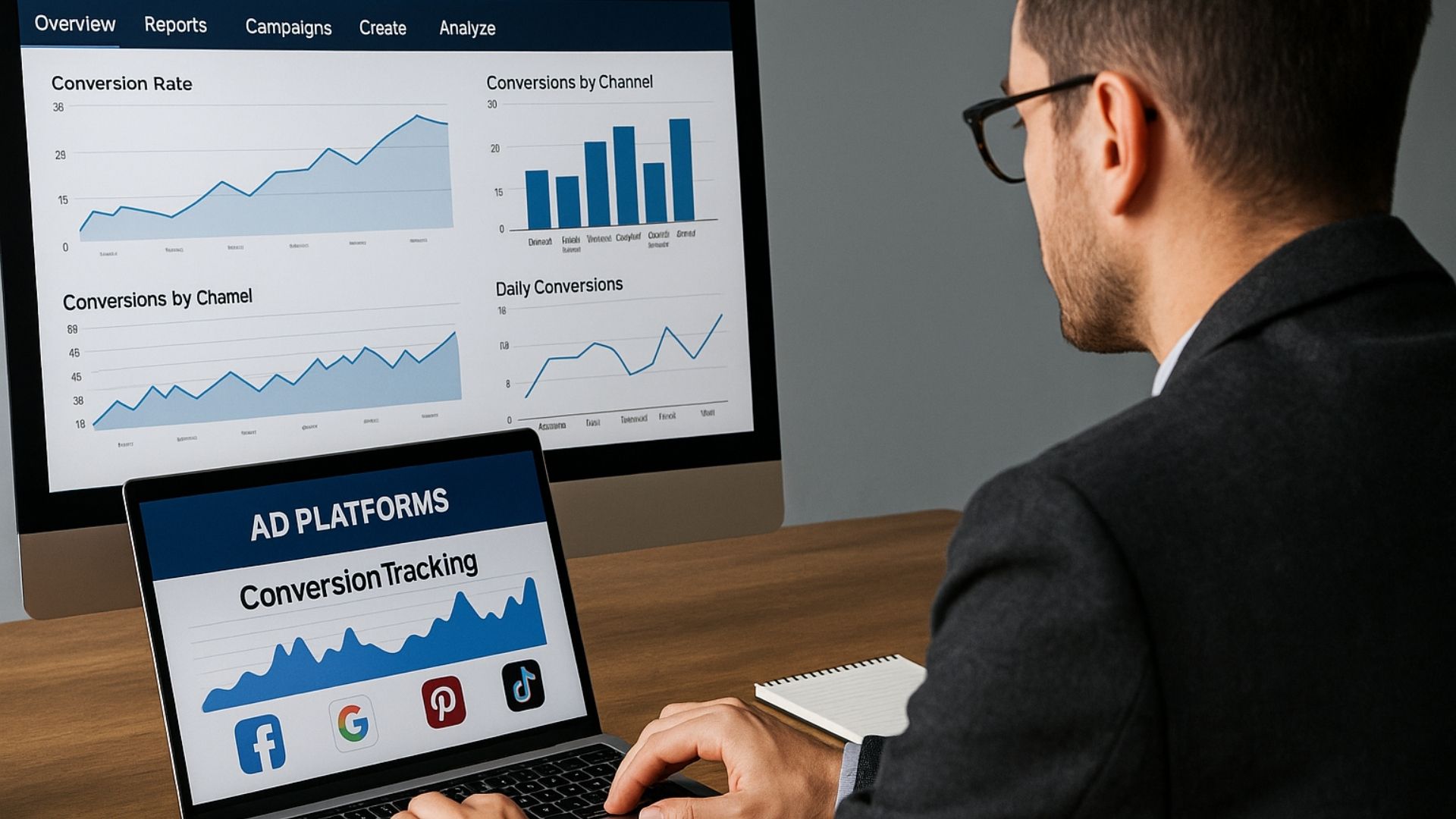
Perplexity is a powerful AI search assistant that helps digital marketers diagnose conversion tracking issues by offering precise, real-time answers. While it doesn’t access your ad account, it accelerates problem-solving with trusted sources and practical guidance.

Understanding Perplexity’s Role in Conversion Tracking
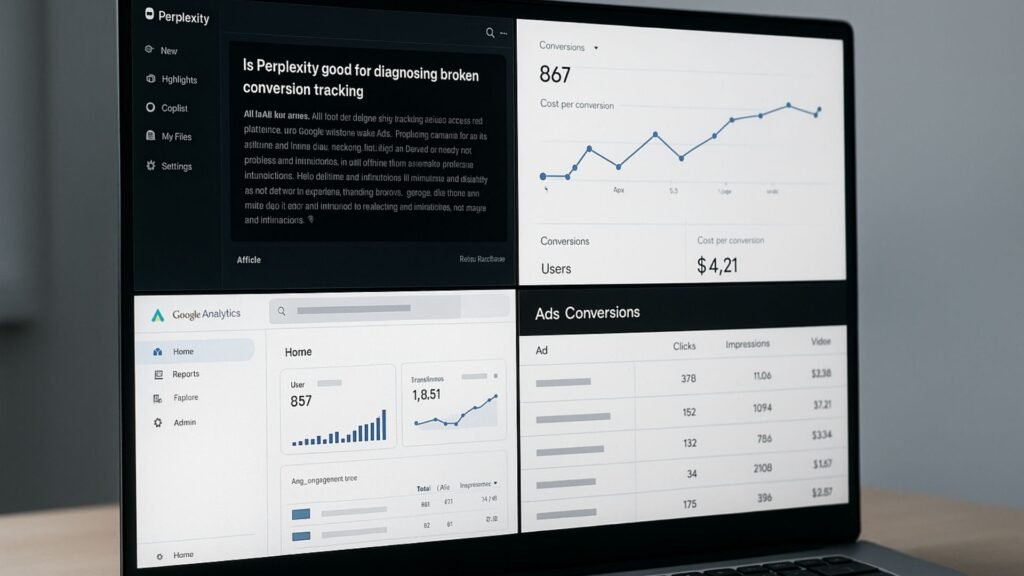
Perplexity isn’t a tracking tool or an analytics software. It’s an AI-powered research engine that offers summarized answers based on trusted online sources.
Think of it as a smart search companion that cuts through irrelevant results and instantly gives you a coherent, human-readable summary of what’s working, what’s broken, and how to fix it.
For digital marketers juggling multiple ad platforms, CRMs, form builders, and analytics tools, diagnosing conversion tracking issues is a major challenge.
Events don’t fire, data doesn’t align across platforms, or certain conversions don’t show up at all. That’s where Perplexity comes in: not to replace your tools, but to guide you to actionable answers, fast.
Unlike a traditional search engine, Perplexity offers:
- Summarized answers based on recent information
- Cited sources with real technical references
- Conversational clarifications for follow-up queries
If a Meta Pixel event doesn’t fire after a form submission, you can ask Perplexity for common causes and best practices, and it may give you an explanation backed by Facebook Business Docs, Reddit discussions, or GTM forums—all summarized and accessible.
How Perplexity Accelerates Conversion Troubleshooting?
Clarifying the Issue
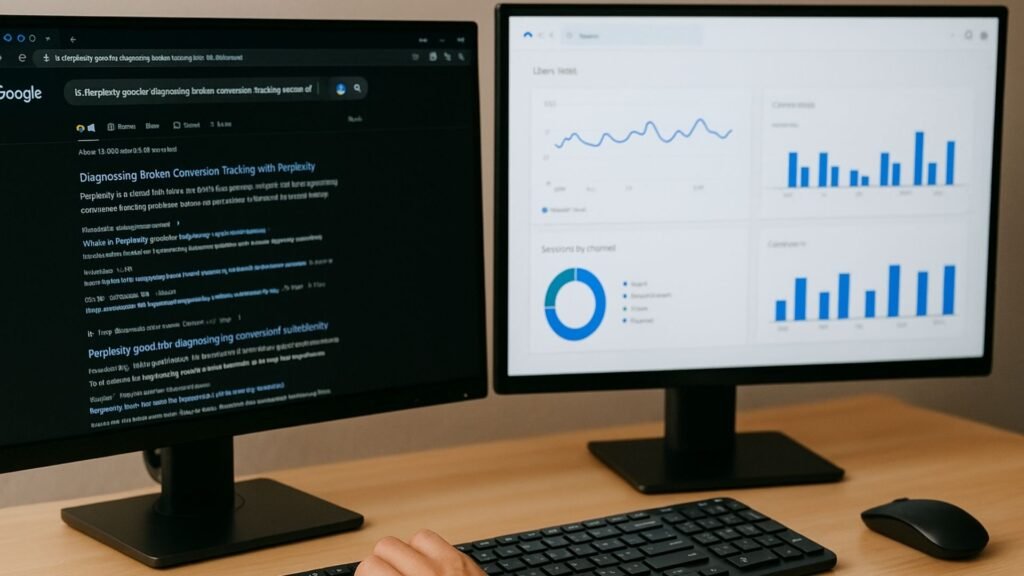
One of the hardest parts of debugging conversion tracking is knowing what to search for. Perplexity helps marketers translate vague symptoms into technical questions that get precise results. For instance:
- “Why is GA4 not logging form submissions from Elementor popups?”
- “Why are Facebook leads missing deduplication event_ids?”
- “Is GA4 debug mode enough to test server-side events?”
These are nuanced queries that Perplexity can understand and respond to by connecting relevant documentation and real user experiences.
Explaining Common Causes
Marketers often run into the same bottlenecks, like:
- GTM tags firing too early
- Incomplete webhook payloads
- Missing user consent blocks from firing
- Async content interfering with scroll tracking
Perplexity explains each of these in plain English and usually cites a few real-world examples.
Recommending Actionable Solutions
Perplexity won’t just identify the problem. It often provides real fixes, like:
- JavaScript snippets for delay-based triggers
- MutationObserver implementations for dynamic content
- Custom event setups for iFrames
- Proper use of CAPI deduplication best practices
It also tells you when you need to use debugging tools like:
- GA4 DebugView
- Meta Test Events Tool
- GTM Preview Mode
- Webhook.site or RequestBin for backend testing
Cross-Platform Alignment
Conversion tracking fails not only because one system breaks, but because multiple systems aren’t aligned. Perplexity helps identify mismatches in:
- Attribution logic (last-click vs data-driven)
- Event naming conventions
- Timestamp formats
- Consent mode integration (GDPR/Cookie issues)
By guiding you through best practices across platforms like Meta Ads, Google Ads, LinkedIn, Pabbly, Zapier, and even CRMs like HubSpot or Zoho, it acts as a comprehensive navigator.
Providing Code Snippets & Tool Suggestions
Perplexity can suggest:
- JavaScript code to delay GTM events
- Regex patterns for GTM triggers or GA4 filters
- MutationObserver examples to track dynamically injected content
- Tag setup walkthroughs for Facebook CAPI
- Debugging tips using network tab or Tag Assistant
- Webhook configuration options for Make, Zapier, or Pabbly
- Script compatibility tips for iframe or server-rendered elements
Example:
Prompt: “My scroll event fires before users scroll on dynamic Shopify pages”
Perplexity Output: Suggests using a MutationObserver in GTM to detect when the page content has finished loading, along with example code and links to Shopify Community, GTM Stack Exchange, and Simo Ahava’s blog.
Cross-Platform Attribution Insights
Conversion issues often occur at the intersection of platforms.
For example:
- Meta Ads show 80 conversions, GA4 shows 17
- HubSpot forms don’t fire
form_submitevents - GTM tags don’t fire on React-based landing pages
- CRM lead timestamps don’t match ad platform timestamps
Perplexity can provide explanations like:
- Different attribution windows (e.g., 7-day click vs session-based)
- Form events firing before page load due to async rendering
- Consent management blocking tags
- Broken deduplication when using both Pixel & CAPI
Real-World Example Use Cases
Meta Pixel Not Matching CRM Events
Perplexity can explain time discrepancies, browser buffering, and conversion window mismatches. It may suggest syncing timestamps, passing more complete data, or switching to server-side APIs.
GA4 Missing Scroll Events on a Dynamic Landing Page
It might point out how scroll depth triggers need a stable DOM and why async rendering breaks accuracy—then suggest using MutationObserver or ScrollTrigger JS with GTM.
Webhook Not Posting Leads to Slack from Pabbly
Perplexity could highlight missing authorization headers, malformed JSON, or response delays—and recommend specific response checks or webhook inspection tools.
Click-to-Call Events Not Firing on Mobile
Expect a breakdown of tel: link tracking issues, mobile user agent considerations, and best practices for link selectors and GA4 custom events.
Perplexity’s Limitations
While incredibly useful, Perplexity is not a replacement for human debugging or a visual analytics tool. It cannot:
- Inspect live pages or code
- Access GTM containers or your ad accounts
- Run test traffic through your site
It is also not always perfect with context. Occasionally, it may surface outdated advice or mix answers from forums that are no longer relevant.
However, it typically indicates its source and lets you verify easily.
For platform-specific diagnostics, Perplexity is best paired with hands-on tools. Think of it as a conversation with a senior marketing engineer pointing you in the right direction.
Integrating Perplexity into Your Troubleshooting Workflow
To maximize its usefulness:
- Start with a clearly defined problem. Be specific.
- Ask about causes, then ask how to fix them.
- Use follow-ups to go deeper into implementation (“How do I test this in GTM Preview?”).
Use it alongside:
- Google Tag Assistant and GTM Debug Mode
- Meta Events Manager and Pixel Helper
- CRM activity logs or webhook monitors
- Server-side tools (Cloudflare Workers, Make, Zapier logs)
With Perplexity in your stack, you’re never stuck waiting for a developer or wasting time on outdated forum threads.
Best Practices to Use Perplexity for Troubleshooting
To get the most out of Perplexity:
Frame precise questions.
Avoid: “My GA4 isn’t working.”
Ask: “Why is GA4 scroll tracking triggering too early on a React landing page?”
Use sequential follow-ups.
Perplexity remembers your last question. Ask deeper next-step queries like:
“Can I use a delay trigger in GTM for that?” or
“Where do I add the MutationObserver code?”
Compare multiple sources.
Perplexity includes source citations. Use them to verify or dig deeper.
Combine with real tools.
Always validate suggestions using:
- GTM Preview Mode
- Google Tag Assistant
- Meta Events Test Tool
- Webhook Inspectors like RequestBin or Hookdeck
- CRM logs and API testers
Use Cases Where Perplexity Excels
- GA4 “debug_mode” not logging anything
- Facebook conversion count doesn’t match CRM
- UTM parameters not passing to lead forms
- Webhook sending but automation not triggering
- Tracking iframe-based third-party form submissions
- Duplicated Shopify events in Meta Ads
- JavaScript errors preventing GTM from firing
Socinova’s Take: Why We Recommend Perplexity
At Socinova, we work with multi-platform lead generation systems. Our clients run complex marketing stacks involving:
- Facebook Ads + Google Ads + LinkedIn
- GA4 + BigQuery + CRM pipelines
- Custom landing pages with React, Webflow, or WordPress
- Server-side event routing via Make.com or custom APIs
Why we love Perplexity:
- Speed: Cuts troubleshooting time in half.
- Accessibility: Our junior staff can use it to find advanced fixes.
- Education: Teaches us about new GA4 changes or Meta quirks we missed.
- Workflow clarity: Helps guide internal testing without waiting for tech support.
Final Thoughts
Perplexity is not a silver bullet. It won’t debug your GTM container or tell you which tag broke.
But when it comes to understanding what might be broken, why it’s broken, and how to test it, it’s one of the best tools available—especially for busy marketers, media buyers, and founders without immediate developer access.
Paired with hands-on testing tools and professional support from agencies like Socinova, Perplexity empowers you to fix conversion issues across ad platforms quickly and with confidence.
Instead of digging through pages of irrelevant forum posts, you get targeted, summarized, and source-backed answers tailored to the problem you’re actually facing.
So yes—Perplexity is incredibly helpful for diagnosing broken conversion tracking across ad platforms, not because it replaces your analytics tools, but because it connects the dots between them.




